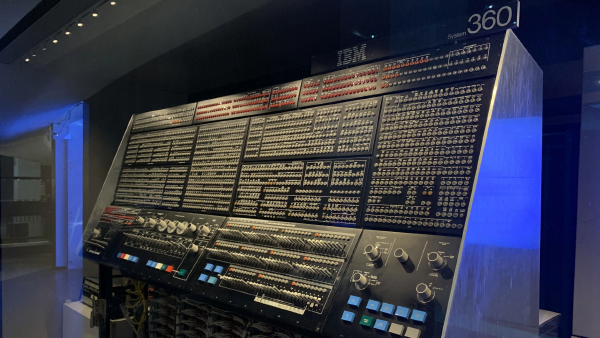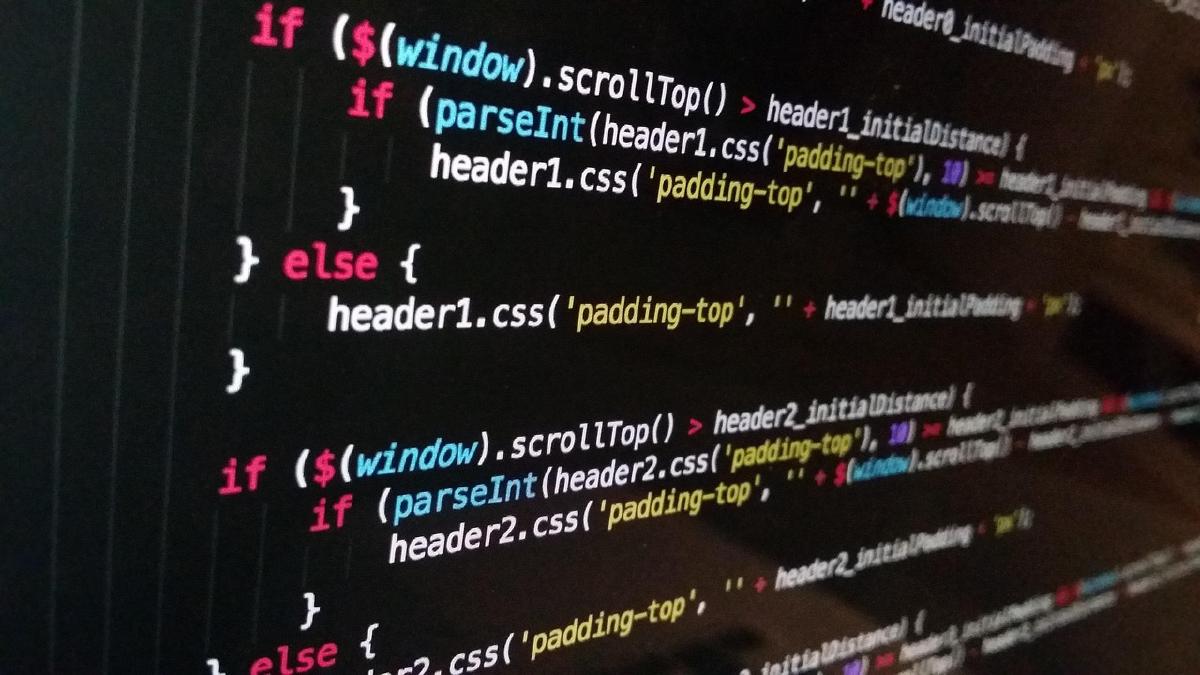

I started working on this idea in 2008 because I wanted browser software to feel closer to the tools I used to build in WinForms: object-first, event-driven, explicit, and fast to reason about.
JavaScript Object GUI, or JOG, is the current implementation of that idea. The timing matters. The web runtime finally has enough baseline capability, and AI-assisted coding finally makes a small custom framework realistic without turning it into a heroic maintenance burden.
What problem is JOG trying to solve?#
Most web frontend work still starts from markup, templates, components, build tooling, and DOM-shaped mental models. That is powerful, but it is not always the right starting point for enterprise or internal software.
The kind of applications I have in mind are less about public marketing sites or consumer apps and more about work tools/apps:
- Customer admin consoles.
- Opportunity boards.
- Form-heavy operations tools.
- Field-planning dashboards.
- CRUD systems where the user sits in the tool all day.
Those applications need predictable controls, layouts, validation, state, events, dialogs, grids, tabs, menus, and status regions. They also need boring engineering boundaries. A button should be a button. A page should own controls. A store should hold state. A grid should bind to rows. Validation should be explicit.
JOG takes that position seriously. Its docs describe the framework as a JavaScript-first browser UI framework for desktop-style internal tools, line-of-business applications, form-heavy systems, and CRUD-heavy interfaces. It is not trying to out-React React as a general frontend platform. That is the right constraint.
How does the programming model work?#
The core model is deliberately old-school in the best sense: create objects, set properties, attach event handlers, add controls to containers, then run an application.
The API reference shows the basic shape:
var page = new JOG.Page();
page.Title = "Example";

var button = new JOG.Button();
button.Text = "Save";
button.OnClick(function() {
  // handler
});

page.Add(button);
new JOG.Application().Run(page);
That style is the point. A developer can stay in JavaScript and think in controls instead of splitting the same idea across HTML, CSS, framework conventions, and a virtual DOM lifecycle.
This does not mean JOG avoids the browser. It means JOG wraps the browser behind a control contract. The runtime still renders DOM. The developer works at the object layer.
That puts JOG close to the mental model many desktop developers already understand:
- Controls expose properties.
- Containers own children.
- Events use
OnX(listener)handlers. - Stores expose explicit
Get,Set,Subscribe, andDerivemethods. - Collections handle rows, selection, dirty tracking, summaries, and collection-to-store binding.
- Layout primitives handle stack, grid, dock, split, tab, section, page header, workspace shell, and dialog composition.
The docs also make one important engineering choice clear: explicit beats magical. JOG does not hide data binding behind an expression language. It does not ask package authors to leak raw DOM nodes as the primary extension point. It keeps the public control shape literal.
Why does AI-assisted coding change the equation?#
In 2006, a framework like this would have been a heavy bet. You would need to build the runtime, examples, documentation, tests, release flow, and developer guidance largely by hand. That is a lot of platform work before anyone gets the first serious application shipped.
AI coding changes the cost structure. It does not remove judgment, but it compresses the scaffolding work.
That matters for a project like JOG because the hard part is not inventing one clever abstraction. The hard part is repeatedly tightening boring details:
- How does a modal restore focus?
- Does a disposed control throw when mutated?
- Can a grid keep selection, sorting, filtering, dirty rows, and inline edits coherent?
- Can third-party controls behave like first-party controls?
- Do docs, tests, examples, and roadmap updates move with the runtime?
This is where AI is useful. It can carry the mechanical surface area while the human keeps the product judgment. That is also why the next compiler matters here: natural language is becoming a higher-level instruction layer for software work, but it still needs strong underlying contracts.
JOG benefits from that shift because the project is contract-heavy. Controls, lifecycle hooks, events, stores, validation, and third-party package rules all give an AI coding agent something concrete to extend and test.
What exists in V2 today?#
The current public docs describe V2 as the active implementation line. The framework already includes a real runtime, first-party examples, a browser distribution build, a zero-dependency Node regression runner, diagnostics, release automation, and a Docsy documentation site published through GitHub Pages.
The example set is the most useful way to understand the current shape:
hello-world.htmlshows the smallest runnable app.notepad.htmlshows a multi-document shell with menu, status bar, browser file open, and save flows.customer-admin.htmlshows CRUD interaction, list/detail editing, inline and dialog validation, and a workspace shell.form-demo.htmlshows responsive form layout, store binding, derived summaries, validation orchestration, inline errors, and radio-group invalid state.opportunity-board.htmlshows a CRM-style board withCollection,DataGrid, filtering, sorting, inline editing, dirty state, summaries, row commands, resizable columns, and sidebar repetition.third-party-demo.htmlshows external package controls such as Chart.js, Flatpickr, and Lexical wrapped behind JOG-native contracts.weather-window-planner.htmlshows a fuller offline-first planning app with forecast data, charts, editable thresholds, exportable briefings, and explicit weather-window decisions.
That is enough to evaluate the philosophy. It is not yet enough to call the framework production-grade for every enterprise workflow.
Where is the framework still early?#
The roadmap is candid, which is useful. JOG is close to public pre-release status, but the docs explicitly warn readers to treat it as pre-release software.
The main unfinished areas are exactly the areas that matter if this ever carries serious internal tools:
- Accessibility and keyboard behavior need deeper hardening.
- Shell controls need more depth, especially nested menus, accelerators, toolbar overflow, richer status conventions, closable tabs, and drag reordering.
- DataGrid needs more production-depth behavior, especially keyboard-first interaction and persistence hooks for view state.
- Third-party control support is real, but package tooling, metadata, compatibility diagnostics, and accessibility standards need more pressure from real packages.
- Packaging is still direct browser script usage through release artifacts, not an npm runtime package.
That last point is not automatically bad. For internal tools, direct browser distribution can be perfectly reasonable at this stage. But the project should stay honest about what that means: early evaluation, not broad ecosystem maturity.
Who should care about JOG?#
JOG is most interesting for three groups.
First, developers who miss the directness of desktop GUI programming. If you liked building in WinForms, the JOG mental model will feel familiar. You instantiate controls. You set properties. You wire events. You add controls to containers.
Second, teams building internal tools where productivity, maintainability, and predictable control behavior matter more than public-site frontend fashion.
Third, builders who want to see what happens when AI coding makes niche frameworks more economical. JOG is not proof that every developer should write a framework. It is proof that smaller, sharper tools may now be viable again when the author has a clear product target and a disciplined test/docs loop.
That is the bigger strategic point. AI coding does not only make existing frameworks faster to use. It also reopens categories of software that were previously too expensive for one person or a small team to explore.
What is the practical evaluation path?#
The safest way to evaluate JOG today is narrow:
- Read the JOG overview.
- Read the developer guide.
- Scan the API reference.
- Run the first-party examples from the GitHub repo.
- Treat the roadmap as the source of truth for what is implemented, partial, and deferred.
Do not evaluate it as a React replacement. Evaluate it as a focused experiment in object-first browser software for internal applications.
That is also how I am thinking about the project. JOG is a bet that some business software should feel less like page construction and more like application construction. The browser can host that model now. AI-assisted coding makes the execution cost plausible.
The rest is discipline: keep the contract small, keep the docs current, keep the examples real, keep the tests running, and keep the roadmap honest. That same boundary shows up in the prompt-diet work: let AI carry judgment and iteration, but move repeatable enforcement into code, tests, and release checks.
The same logic is behind Margo, a presentation engine built for text-first, agent-friendly workflows. Both projects come from the same conviction: when AI lowers the cost of scaffolding, smaller tools can justify sharper opinions.