
The best use of AI is not getting a clever answer in a chat window. It is using that answer to ship a capability that keeps working after the chat is over.
I wanted a simple feature on this Hugo site: a reader should be able to copy an entire page as clean Markdown, paste it into an agent, and ask better questions about the actual source material.
The trigger was a post from Damon Chen on X:
The idea was obvious once I saw it: if people increasingly read with agents beside them, the web should make good context portable. Minutes later, I had a working version. More importantly, it became a proper Hugo feature rather than another one-off experiment.
How easy it was to implement this feature for this very platform reminded me of just what a great time we live in right now for developing software:
The feature is small. The implication is not.#
Most pages make a reader do unnecessary work before an AI can help:
- Select the article.
- Avoid grabbing navigation, ads, sidebars, and page furniture.
- Copy the result.
- Paste it into an assistant.
- Explain what the assistant is looking at.
That is friction at exactly the wrong point. The article is already structured source material. The site should provide it in a format an agent can use.
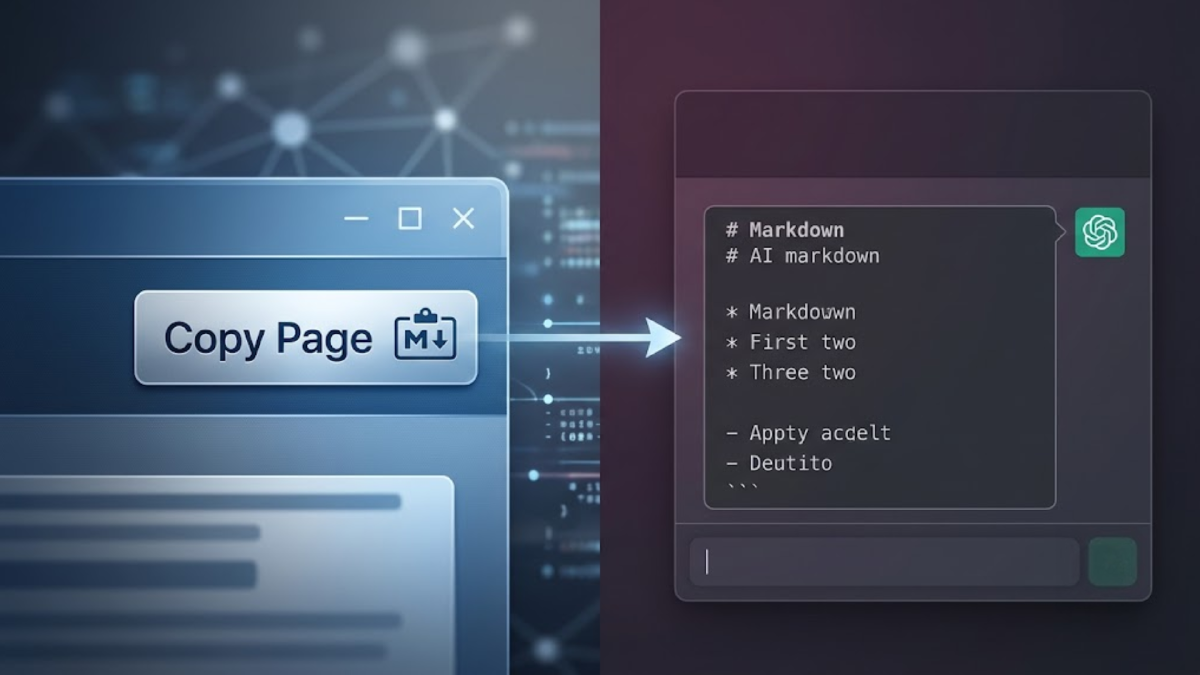
The Copy Page control now sits above the table of contents (try it on this very page!). A reader can copy the page as Markdown, open a plain-text Markdown view, or copy the page and open ChatGPT or Claude. The last two actions still require a paste into the assistant. Browsers rightly do not let one site paste text into another site on a reader’s behalf.
That is enough. The reader gets the source, the agent gets clean context, and the original page remains the canonical reference. Signals: Week 31, 2026 is a practical example: a research-heavy page designed to be copied into an agent without its surrounding page furniture.
How it works in Hugo#
The feature has four pieces.
1. A page-level switch#
Any page can enable it with one front-matter field:
showCopyPage: trueThat keeps the decision where it belongs, with the author. A long technical explainer may benefit from AI-ready context. A short announcement may not.
2. One reusable partial#
The shared Hugo partial starts with the page’s raw Markdown. It removes Hugo shortcode syntax before it reaches the clipboard, compresses excess whitespace, and appends the site’s copyright notice.
{{- $markdown := replaceRE `(?s)\{\{[<%].*?[>%]\}\}` "" .RawContent -}}
{{- $markdown = replaceRE `\n{3,}` "\n\n" $markdown -}}
{{- $copyText := printf "%s\n\n---\n%s" (strings.TrimSpace $markdown) $copyright -}}
The important part is not the regular expression. It is the boundary: readers receive the article’s Markdown, not the template machinery used to render it.
3. A layout hook, not repeated body markup#
The site checks showCopyPage in the shared single-page layout. When the page has a table of contents, the control appears above it in the sticky right-hand rail. When it does not, the control falls back beside the title.
That matters because the feature is structural. I do not need to remember to drop a shortcode into every article, and I do not need to repair placement every time the design changes.
The original shortcode remains available as a wrapper for cases where I do want body-level placement. The normal path is the front-matter toggle.
4. Ordinary browser code#
The browser copies a hidden Markdown payload through the Clipboard API, with a fallback for older or non-secure contexts. The split button exposes the useful alternatives without making the page look like a developer tool bolted onto an article.
There is no model call at runtime. No API key. No prompt. No token bill.
The real lesson: turn AI output into software#
AI compressed the design and implementation loop. It helped move from a reference interaction to a working shortcode, a reusable partial, a front-matter contract, styling, accessibility states, and browser fallbacks quickly.
But the value is not that an LLM wrote some code once. The value is that the result now lives in the codebase:
- Hugo renders the feature deterministically.
- The browser handles the copy action locally.
- Future pages opt in with one line of front matter.
- The feature can be tested, reviewed, versioned, and improved without reopening the original AI conversation.
That is the distinction I care about. AI should reduce the cost of turning an idea into a durable operating capability. It should not become a dependency for every use of the capability.
Why this matters for publishing#
People do not just read pages now. They bring pages into their working context, compare them, query them, and hand them to agents.
Publishers can treat that as a threat and make copying harder. Or they can make the source clean, portable, and attributable.
I prefer the second option. Good ideas should travel. The job of the site is to preserve the source, the attribution, and the path back to the original work.
The Copy Page button is a tiny product decision. It is also a statement about how I think the web should work in an agentic environment: make the knowledge useful, make the source clear, and let the reader take it where the work happens.
That is a much better use of AI than another temporary chat response.